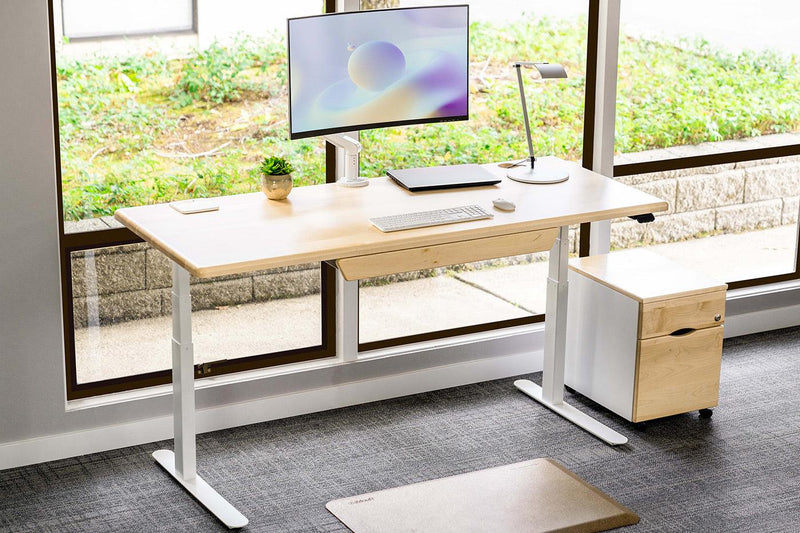
43% of employees believe their workplace is not ready for change.
And yet, most remote workers trying to fix their focus keep changing their habits instead of their environment.
This guide covers 6 specific workspace changes that improve work from home productivity in ways you can feel within the first week.
Productivity at Home Is an Environment Problem as Much as a Habit Problem
The environment you work in shapes your output before you open a single tab.
Physical clutter competes for your attention and reduces your brain's ability to process information. That is not a willpower problem. That is your space working against you.
Most remote work advice lands on building better routines, using time-blocking, or installing focus apps.
Those tools help, but they sit on top of an environment that may be actively draining your concentration.
Fixing the root before layering on habits is what separates sustainable work from home productivity from the kind that fades after two weeks.
The digital workplace market is set to grow from $49 billion to $59 billion in a single year, which signals that organizations are investing heavily in infrastructure for remote output.
The individual remote worker who invests even a fraction of that attention into their physical setup sees compounding returns across every hour they work.
Separating Work Space From Living Space
Physical boundaries change your mental state faster than any app or habit system will. The brain associates spaces with behaviors through a process called context-dependent memory.
When you work from your couch or kitchen table, your brain has no reliable signal that it is time to focus, which is why switching off at the end of the day feels impossible too.
Why a Fixed Spot Changes Everything
A dedicated workspace, even a corner of a room with a specific chair and desk, gives your brain a consistent trigger. Remote workers who set up a fixed work area report fewer interruptions during deep work sessions and an easier mental transition when the day ends. That consistency is one of the most underrated work from home productivity tips available, and it costs nothing.
How to Create Separation in Small Spaces
You do not need a separate room to make this work. A folding room divider, a specific rug under your desk, or a chair you only sit in during work hours creates the psychological boundary your brain needs.
The rule is simple: that space is for work, and nothing else happens there during work hours. When working with remote clients setting up home offices, we found that people who draw a clear physical line around their workspace report higher consistency in their remote work habits within the first month.
Routine and Visual Cues That Trigger Focus
Routines work because they reduce the number of decisions you make before getting into focused work.
A pre-work cue, such as making coffee, putting on headphones, or opening a specific playlist, signals to your brain that output mode has started.
Building a Start Signal That Sticks
Remote workers who spend five minutes organizing their desk before starting report faster entry into focused work compared to those who open their laptop mid-distraction.
It is a small ritual with a measurable cognitive payoff. And it is one of the simplest work from home productivity tips you can implement today without buying anything.
Setting Up Your Space as a Visual Trigger
Keep your desk clear of anything unrelated to work. Use a physical notepad for the day's tasks instead of a digital list, which keeps your screen clean and gives your eyes a non-screen anchor.
Place items you use daily within arm's reach and move everything else out of your sightline. And if you notice yourself procrastinating, look at what is in your visual field, because the answer is usually right there.
Desk and Ergonomic Upgrades Worth Making
Discomfort is a slow drain on cognitive capacity. When your back aches, your shoulders tighten, or your wrists hurt after an hour, your brain diverts resources to managing that discomfort instead of the task in front of you.
What to Prioritize First
Start with monitor height. The top of your screen should align with your eye level so your neck stays neutral. Keyboard height should put your elbows at 90 degrees.
If you are working from a laptop without an external monitor, you are already working at a structural disadvantage that compounds across every hour of the day.
The Upgrade That Changes Everything
A height-adjustable standing desk is one of the highest-return upgrades for anyone spending six or more hours a day at a desk.
Pair it with an anti-fatigue mat and you have removed two of the most common physical complaints that interrupt work from home productivity and push remote workers back to bad posture habits within weeks.
Reducing Digital and Physical Clutter
Visual clutter raises cortisol levels. Higher cortisol means higher baseline stress, which narrows your focus and reduces your creative capacity.
Remote workers dealing with home office distractions often underestimate how much of that distraction is visual rather than auditory.
The One Surface, One Purpose Rule
Use a simple principle: your desk is for work, and anything unrelated gets moved before your next session starts. Cable management is part of this too.
Cables dangling in your visual field create low-level cognitive noise that compounds across hours and quietly chips away at your ability to concentrate.
Cutting Digital Clutter Too
Close tabs you are not actively using. Keep your desktop clean. Use a single project management tool instead of three overlapping ones.
The goal is to make your environment reflect the clarity you want in your thinking, and that applies to your screen just as much as your desk surface.
Quick Wins: Physical Changes With Immediate Impact
-
Dedicated chair used only for work
-
Monitor at eye level, no laptop-only setups
-
Phone face-down or in a drawer during focus blocks
-
Cables routed and hidden from view
-
Desktop cleared to one active project at a time
Lighting and Acoustics for Concentration
Poor lighting causes eye strain and fatigue, which reduces your effective work window before noon. The majority of the employees are dissatisfied with the lighting in their workspace.
For remote workers, that dissatisfaction is entirely within their control to fix, which makes it a clear work from home productivity win hiding in plain sight.
Getting Your Lighting Right
Natural light is the highest-quality option. Position your desk perpendicular to a window rather than directly facing it or with it behind you. Both positions create glare or contrast problems that make your eyes work harder than they need to across a full workday.
Managing Acoustics Without Soundproofing
Home office distractions are often more auditory than visual. Background noise from family members, neighbors, or street traffic interrupts the train of thought that deep work requires.
Noise-canceling headphones are the most accessible solution and one of the highest-return purchases for anyone sharing their living space with other people.
Research from the University of Illinois found that a moderate level of ambient noise, around 70 decibels, improves creative performance compared to silence or loud environments.
Apps like Brain.fm are built specifically for WFH focus tips and offer task-matched soundscapes that support concentration without distraction.
Standing Desks as a Tool to Beat Afternoon Slumps
The average worker is truly productive for just five hours and 36 minutes a day. A significant chunk of that lost time happens between 2pm and 4pm, when circulation slows and static posture creates mental fog.
Sitting for long stretches suppresses your metabolic rate, and that is the physical cause of the afternoon crash most remote workers try to solve with a second coffee.
That is why work from home productivity tips that focus only on task management miss the point. The problem is biological before it is behavioral.
How a Sit-Stand Desk Fixes the Afternoon
Standing raises your heart rate by 8 to 10 beats per minute, pushing more blood to your brain and resetting your alertness without caffeine.
Dr. Alan Hedge of Cornell University developed the 20-8-2 protocol: sit for 20 minutes, stand for 8, move for 2.
That cycle, repeated through the afternoon, maintains circulation and cognitive performance through the hours that most remote workers write off as unavoidably slow.
In our experience setting up workstations for remote professionals, users who adopt a sit-stand routine report a measurable improvement in afternoon output quality within the first two weeks.
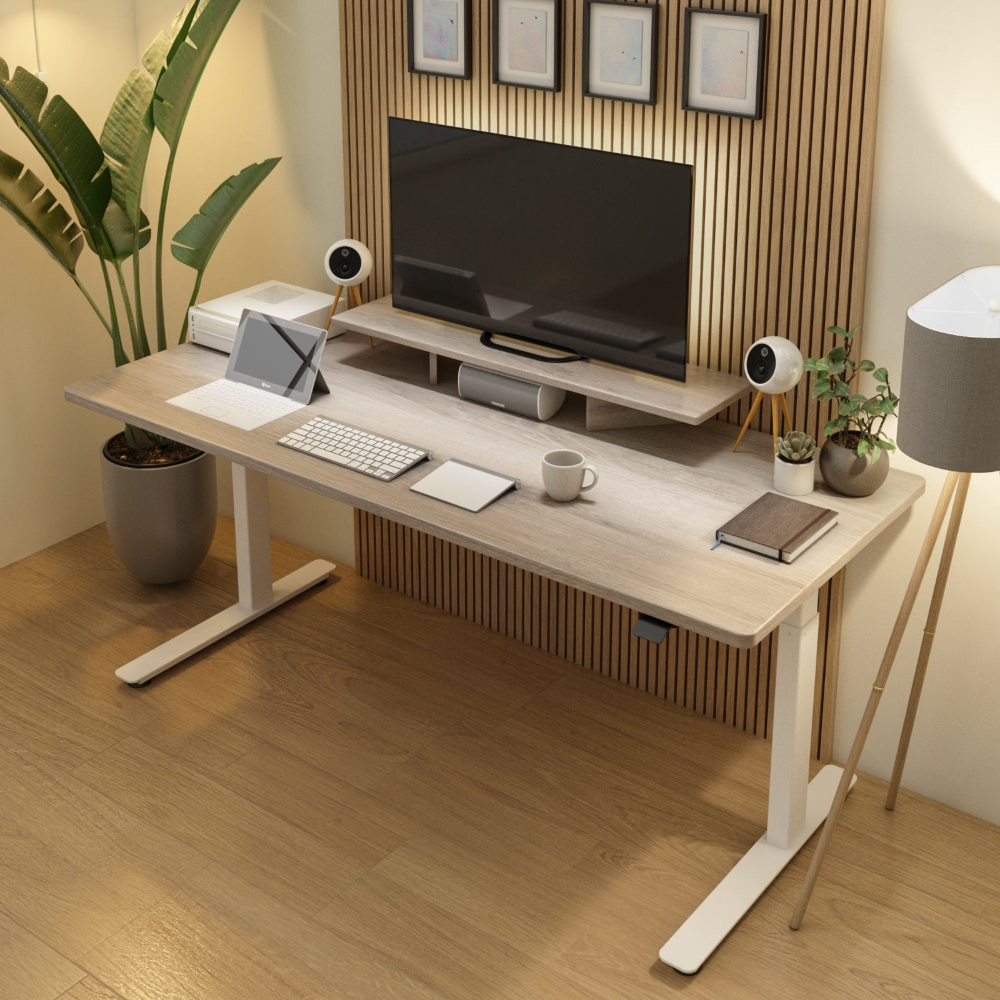
The iMovR P1 ELITE standing desk is built for exactly this use case, with fast motor adjustment and the weight capacity to support a full dual-monitor setup.
For top WFH desk setup ideas for productivity, a sit-stand configuration consistently ranks as the single highest-impact physical change a remote worker can make.
Building Movement Into the Work Day
Movement does not require leaving your desk. Shifting from sitting to standing every 30 minutes keeps your muscles active and your circulation moving without interrupting your workflow.
For remote workers who want to go further, a treadmill desk lets you walk at 1 to 2 mph during lighter tasks like reviewing documents or taking calls.
iMovR's treadmill desk options are designed for all-day use, making them one of the most effective tools for sustaining work from home productivity across a full eight-hour day.
Tools That Support Better Remote Work Habits
-
Sit-stand desk with memory presets for sitting and standing heights
-
Anti-fatigue mat for extended standing sessions
-
Noise-canceling headphones for acoustic control
-
Bias lighting behind monitors to reduce eye strain
-
Physical notebook for daily task anchoring
Conclusion
The single most important insight across all ten of these changes is this: your environment makes decisions before you do.
It either removes friction from focused work or adds it before your first task of the day begins. Most work from home productivity tips treat the physical setup as secondary. It is not.
Remote workers who treat their workspace as infrastructure, not decoration, see the difference in their output within weeks.
If you are ready to make the physical changes that actually move the needle on how to be productive at home, start with your desk.
Explore iMovR's full range of sit-stand desks and ergonomic accessories built specifically for remote workers who take their work from home productivity seriously.